
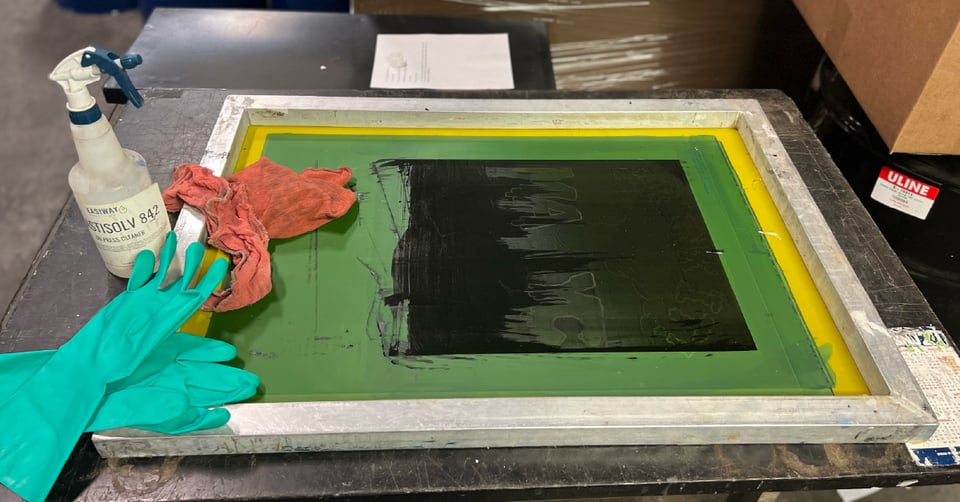
Screen printing equipment maintenance focuses on preventive scheduling, consistent cleaning, monitoring moving parts, maintaining stable operating conditions, training staff, and tracking performance over time.
When these basics are in place, shops reduce downtime, protect print quality, and extend the life of both manual and automatic screen printing equipment.
Screen printing equipment takes daily wear, and ignoring maintenance causes problems to show up at the worst possible time. Whether you’re running a manual screen printing press, automatic screen printing equipment, or a full commercial screen printing setup, consistency matters more than complexity.
Here are five maintenance fundamentals every screen printer should have locked in.
Tip #1 – Establish a Preventive Maintenance Schedule
Preventive maintenance works by identifying wear and performance issues before they cause downtime or quality problems.
If maintenance only happens when something breaks, you’re reacting instead of controlling the process. A simple, repeatable schedule helps catch small issues early.
Break tasks into workable intervals:
- Daily: Wipe down surfaces, remove ink buildup, check for leaks
- Weekly: Inspect belts, chains, clamps, and moving components
- Monthly: Lubricate bearings, inspect connections, check filters
- Seasonal or annual: Calibration checks and part replacement
Support the schedule with basic documentation:
- Maintenance logs
- Warranty and service records
- Notes on recurring issues
Tip #2 – Keep Equipment Clean and Chemical-Free
Keeping equipment clean prevents residue buildup that interferes with performance and shortens component life.
Ink residue and chemical overspray don’t just look messy — they affect airflow, sensors, and moving parts across your screen printing machine lineup.
Daily Cleaning Protocols
At the end of each shift:
- Remove excess ink from presses and tools
- Rinse screens and reclaim areas thoroughly
- Wipe down contact points and controls
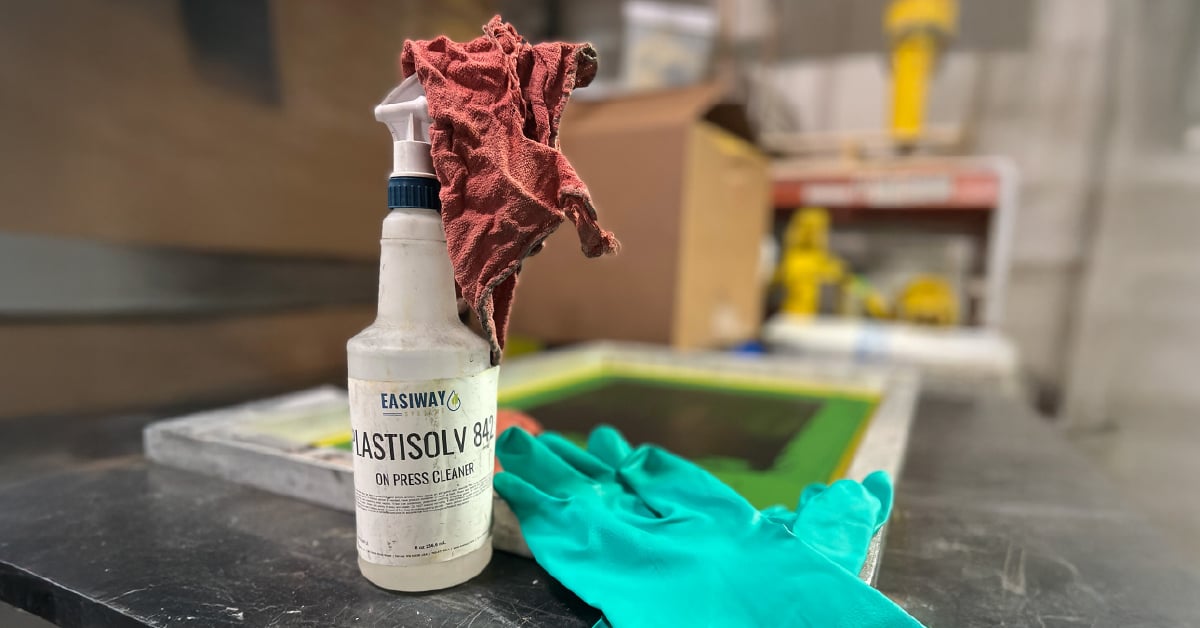
Use cleaning agents designed for screen printing equipment. Improper chemicals can damage finishes, seals, and sensitive components over time.
Chemical Residue Prevention
Chemical buildup can:
- Restrict airflow
- Increase friction on moving parts
- Lead to inconsistent operation
Pairing the right chemistry with washout booths, filtration, or enclosed cleaning equipment helps keep chemicals off presses and tools while improving consistency in daily cleanup.
Tip #3 – Monitor and Maintain Critical Moving Parts
Most unplanned downtime starts with wear in belts, chains, bearings, or alignment components.
Moving parts are where stress shows up first, and where problems are easiest to spot early.
Belt, Chain, and Bearing Maintenance
Regular inspections should include:
- Checking belts and chains for slack or cracking
- Listening for grinding or squealing bearings
- Watching for vibration during operation
Alignment and Calibration Checks
Misalignment doesn’t always stop production, but it slowly affects consistency.
Watch for uneven pressure, registration drift, or increased screen wear. Routine checks keep your screen printing press running predictably, especially on longer runs.
Tip #4 – Maintain Optimal Operating Conditions
Screen printing equipment performs best when temperature, humidity, and air quality stay within stable ranges.
Environmental factors directly affect electronics, inks, chemicals, and mechanical tolerances.
Key conditions to monitor:
- Temperature: Impacts electronics and chemical behavior
- Humidity: Affects ink performance and corrosion risk
- Air quality: Dust and overspray accelerate wear
Seasonal changes may require adjustments, particularly in shops running t-shirt screen printing equipment year-round. Don’t overlook filtration. Replacing filters on schedule reduces strain on motors and pumps.
Tip #5 – Train Staff on Proper Equipment Care
Well-trained operators are one of the most effective maintenance tools in any shop.
Maintenance works best when it’s shared across the team.
Train operators on:
- Proper startup and shutdown procedures
- Daily cleaning expectations
- What normal operation should look and sound like
Encourage staff to report early warning signs like new noises, vibration, or slower cycle times. Clear safety protocols are essential during any maintenance work.
Measuring Maintenance Success
Effective maintenance shows up as consistent uptime and fewer surprises on the production floor.
Track:
- Equipment uptime
- Frequency of unplanned repairs
- Repeat issues on the same components
When your commercial screen printing equipment runs reliably, scheduling improves and teams spend less time reacting to problems.
Key Takeaways
- Preventive maintenance reduces downtime and protects print quality.
- Clean equipment performs more consistently and lasts longer.
- Early detection of wear prevents larger, more costly failures.
Reliable maintenance starts with the cleaning agents you use every day and the systems that support them. Explore Easiway’s screen cleaning products designed to reduce buildup, protect your tools, and make consistent maintenance easier to manage.